
Travel gadgets
Travel gadgets worth packing by task
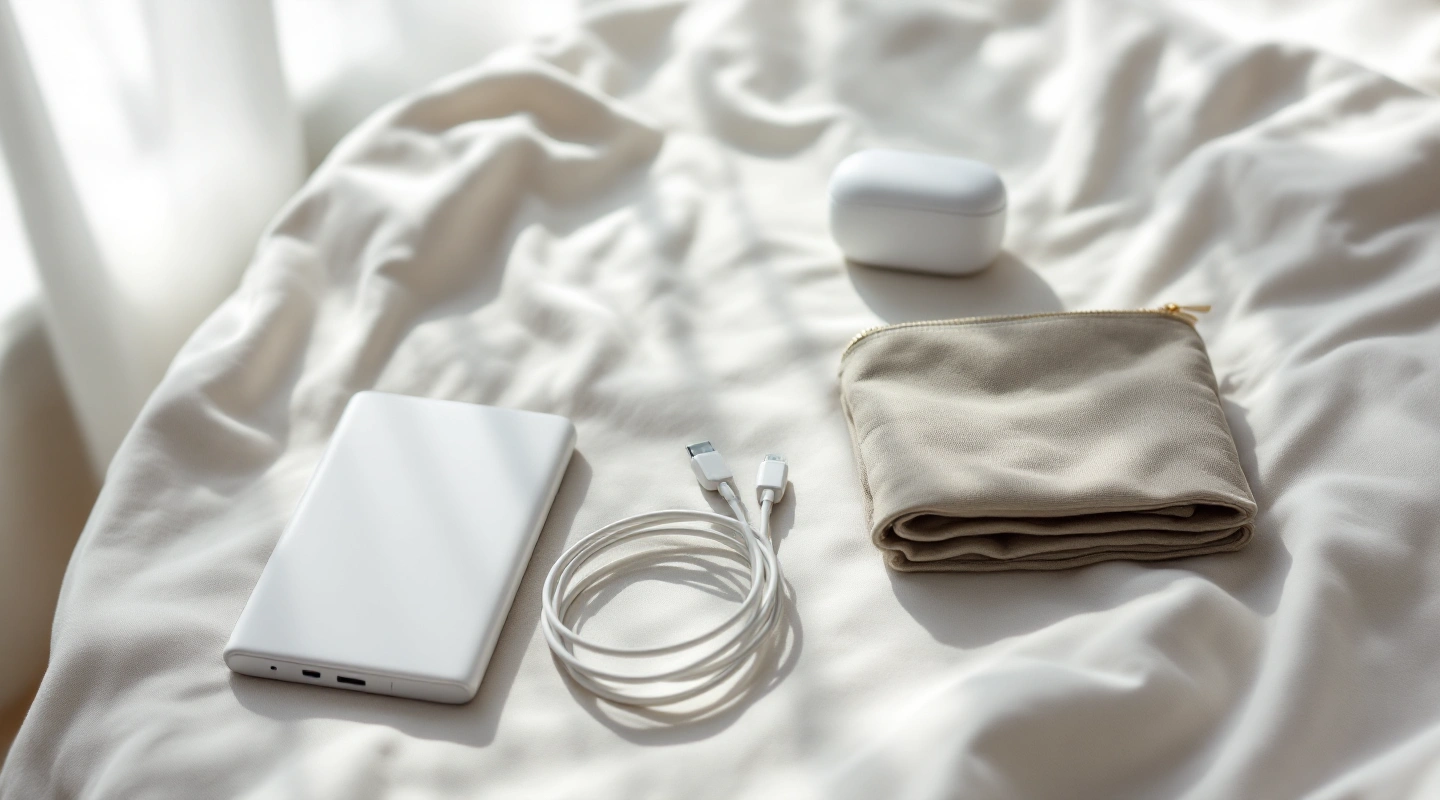
The short answer
Start with the tasks and equipment already owned. Add only a documented gap in connectivity, power, photography or access to travel records.
Last updated October 15, 2026
What's covered11
- Travel gadgets by task, not novelty
- Connectivity starts with phone eligibility
- Phone hotspot versus another network device
- A complete charging path
- Plug shape and voltage are separate
- Power banks and flight packing
- Photography without duplicating the kit
- Tablet use and flight needs
- Organize for access and protection
- Minimal packing checklist
- Travel gadget FAQs
Travel gadgets earn space when they solve a task your existing kit cannot handle. Start with the phone and charger already owned. Find a real gap in connection or power. Photos and packing may pose other needs. Carrying more equipment is not itself a useful travel goal.
Pack for a specific task: staying connected, keeping devices charged or carrying the equipment safely.
Travel gadgets by task, not novelty
| Task | Start with what you own | Consider an addition only when | Cost in packing or setup |
|---|---|---|---|
| Mobile connection | Exact phone and existing carrier plan | The route or data need is not already covered | Another profile or account to manage |
| Charging devices | Current compatible charger and cables | Ports or shared power do not fit the actual devices | Extra bulk and cable handling |
| Power away from an outlet | Charged devices and planned access | A specific day needs permitted spare capacity | Battery weight and flight restrictions |
| Photos | The camera already carried | A named shot or working method needs another function | Weight, charging and file handling |
| Organization | A small pouch or simple separation | Loose items are hard to reach or protect | Another container that also occupies space |
Scroll for more →
Use the table to find a gap, not to create a shopping list. A short hotel stay and a remote multi-stop trip can justify different kits. No traveler is assumed to need every category or a new device in each one.
Connectivity starts with phone eligibility
Check the exact regional model and carrier lock before choosing travel data. A working app does not prove a profile will install. An unlocked phone can also lack eSIM hardware. The phone reference keeps those questions distinct.
Read what your carrier already includes for the actual trip. A second plan can be useful when it solves an exact data limit or network gap. It can also duplicate service you already have. Compare normal calls and hotspot as well as phone data.
For another provider, inspect the exact country list and paid period. Regional headings are not standardized between sellers. A travel gadget marketed around worldwide connection still needs a real network and eligible service in the places where you will use it.
The eSIM provider guide starts with that route and device fit. Save the first address and tickets offline regardless of the plan. The useful kit includes accessible details, not merely another device that needs a connection before it can show you a booking.
Phone hotspot versus another network device
Before adding a distinct network device, test whether the phone's allowed hotspot meets the task. Check the travel plan's sharing rules and the number of nearby devices needed. Do not infer unlimited sharing from unlimited phone data.
If travelers split up, one hotspot cannot follow both routes. Each person may need their own data. A box in one person's bag will not help the other. If the group stays together, a stated shared connection may be practical. The actual use pattern should decide.
For a travel router, find the internet source it needs. Check the exact login steps. A device cannot create internet service where none exists.
A venue's network policy can also limit use. Do not buy on a vague promise of better signal. Check how it will connect.
Keep power and charging in that decision. Another network device adds a cable and a battery or power need. A useful function can justify them; an overlapping function may not. Compare that extra power need with using the phone alone.
A complete charging path
List each device, its port and the maker's charging need. Then match the charger output and cable. A plug that fits does not prove every power or data function will work. Read the actual manual. Cable shape alone is not enough.
Apple's USB-C connection guide is one concrete maker reference showing that cable and task details matter. Use the corresponding current guides for your own equipment. Do not transfer a phone's charging rate to a laptop merely because both use USB-C.
If several devices charge at once, check the charger's stated shared output. A total wattage may be shared. It is not proof that every port can supply that amount at once. Read the exact model's table for power from each port. Keep that with the plan if it decides which charger fits.
Pack the cables that support the actual tasks. A charging cable may not have the data speed you need. It may also lack video support.
Check those functions for a camera or computer. A display needs its own check too. An extra adapter is useful only when it connects the exact equipment involved.
Plug shape and voltage are separate
A travel adapter changes the physical plug connection. It is not automatically a voltage converter. Read each charger's input label and the country outlet details. The travel adapter explanation walks through that distinction.
Do not treat a phone charger's broad input range as evidence for another appliance. A hair tool or other high-power item needs its own label checked. This guide does not provide steps to improvise mains wiring or make incompatible equipment work.
For a multi-country route, write down the required plug types. Compare those with the actual adapter rather than a vague universal label. Keep any earth or grounding need in the check. A shape that appears to fit is not the whole electrical question.
Avoid carrying duplicate bulky adapters unless a real need justifies them. A compatible charger and the right country connection may already cover the devices. The minimal kit follows stated needs instead of assuming every outlet needs another accessory.
Power banks and flight packing
A bank can help on a day with no suitable outlet, but it adds weight and a distinct travel rule. Read its actual watt-hour label and the operating airline's limits. The portable charger flight guide separates cabin carriage from permission to use or recharge onboard.
Do not assume that an extra battery is allowed in checked baggage because a tablet with an installed battery has different conditions. Keep spare-battery treatment distinct. Remove the bank if a cabin bag is gate-checked and follow the carrier's storage rule.
Check condition and recall details before packing. A swollen or damaged item should not be treated as a normal good battery. More capacity is not a reason to ignore the applicable limit. Do not use a different model's label to answer the question.
Plan the day's power need from the devices actually carried. A larger bank may be unnecessary when charging is available between uses. A smaller one is only sufficient if its stated output fits the task. No invented count of full phone charges is promised here.
Photography without duplicating the kit
Start with the camera you know how to operate. Identify the shot or task the existing equipment cannot do. A distinct camera may be justified by that need, but it also adds batteries and file handling. No blanket claim says every trip needs a dedicated camera.
For a support or tripod, check the exact load and mounting fit. Consider the working space and any venue limits. A compact packed size does not show stability for every setup. This guide does not invent field-tested performance for a generic accessory.
For storage, plan how files move and where another copy lives. A new memory card is not automatically a backup strategy. Check the actual device format and transfer route before the flight. Try the workflow with your own equipment while you can still resolve a missing cable or reader.
Keep the camera kit small enough to carry and use. An item left behind at the host cannot help with the shot you intended. Compare the complete carried setup rather than the weight of only its central device. Use the maker's figures for the exact model when comparing numbers.
Tablet use and flight needs
A tablet can be useful for an existing reading or work task. It can also duplicate the phone or laptop. Decide what it adds before packing another charger and cable, plus a protective case. A larger screen is not automatically needed for the route.
Read the tablet flight reference for installed batteries and screening, with rules for use onboard. Cabin permission does not promise seat power or Wi-Fi. Save needed files offline and charge before travel rather than relying on an unspecified aircraft service.
For mobile data, check the exact cellular model. A Wi-Fi-only tablet does not gain eSIM capability through an app plan. Phone hotspot can be another route only if the plan permits sufficient sharing. Keep those alternatives distinct.
Organize for access and protection
Group the items needed at screening and keep spare batteries easy to remove if a bag is gate-checked. Do not bury a power bank where it cannot be reached quickly. Follow the operating carrier's storage rule after boarding.
Keep cables from pressing sharply against connectors. A pouch can keep small items apart. It also takes up space. Match it to the actual kit rather than filling empty pockets with extra gadgets just because they fit.
Store start and account details securely. A paper route or offline booking record does not need to expose a QR setup code or password. Keep recovery access outside the main phone without making it public. The eSIM safety guide explains those distinct account risks.
Minimal packing checklist
- Confirm the phone model and carrier lock, then the chosen service before buying data.
- Pack the compatible charging path for the devices actually carried.
- Check plug shape and each charger's input label for the route.
- Read the battery label and every operating airline's spare-battery rules.
- Save the first address and travel tickets so they open offline.
- Add a camera or network accessory only for a stated missing function.
- Keep private activation details out of shared booking records.
Open saved travel files with data off before the flight. Confirm that a ticket or address is downloaded, not only linked. This checks a practical function of the kit without claiming a new gadget is needed to solve it.
Travel gadget FAQs
Does every trip need a power bank?
No. Compare the actual day and charging access with the devices carried. A bank can solve a gap, but it adds weight and flight limits. Read the real output and capacity label before deciding it fits. No universal number of phone recharges is assumed from a generic battery headline.
Does USB-C mean every cable does the same thing?
No complete capability follows from connector shape alone. Check the actual device, charger and cable guides for power and data tasks. A cable useful for charging may not provide the desired transfer or display function. Use the exact maker specifications rather than carrying an adapter based only on appearance.
Is a travel router always better than hotspot?
Choose a router only when its upstream connection and permitted use fit a task that phone hotspot cannot cover. A router cannot create a missing internet service. Phone sharing may already fit if allowed, while travelers who split up may need their own data rather than another network device in one person's bag.
Should I pack another camera for better photos?
Start with the exact shot or workflow the current device cannot handle. Another camera adds power and storage needs as well as weight. Check exact specifications where a feature is needed. This guide makes no blanket claim that every traveler needs a new camera or that more gear guarantees better results.
Our picks in this topic
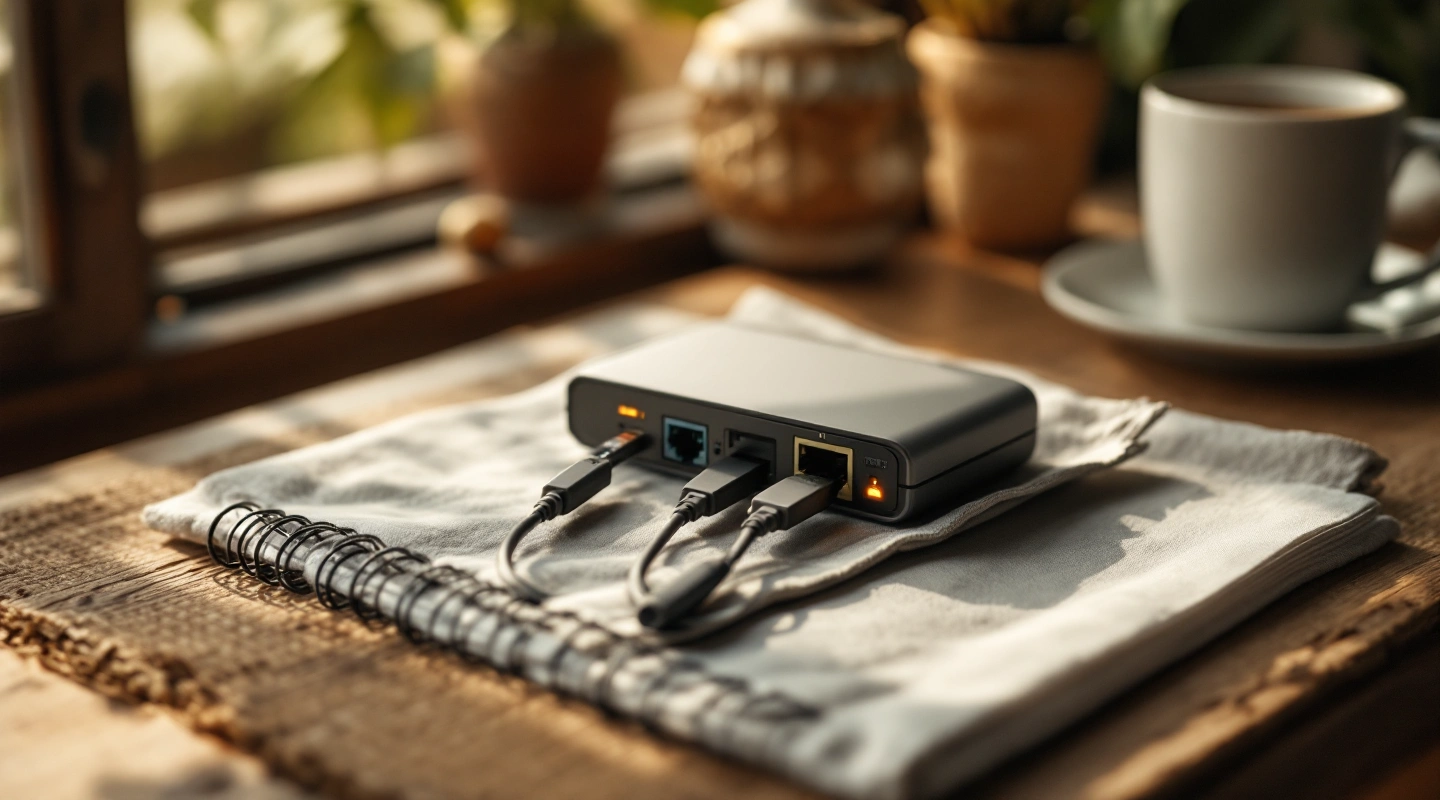
3 picks
3 Portable Travel Routers for Hotel Connections in 2026
Compare Beryl AX, Slate AX and Opal travel routers by uplink, Ethernet ports and power. Follow setup checks for hotel Wi-Fi, tethering and permitted sharing.
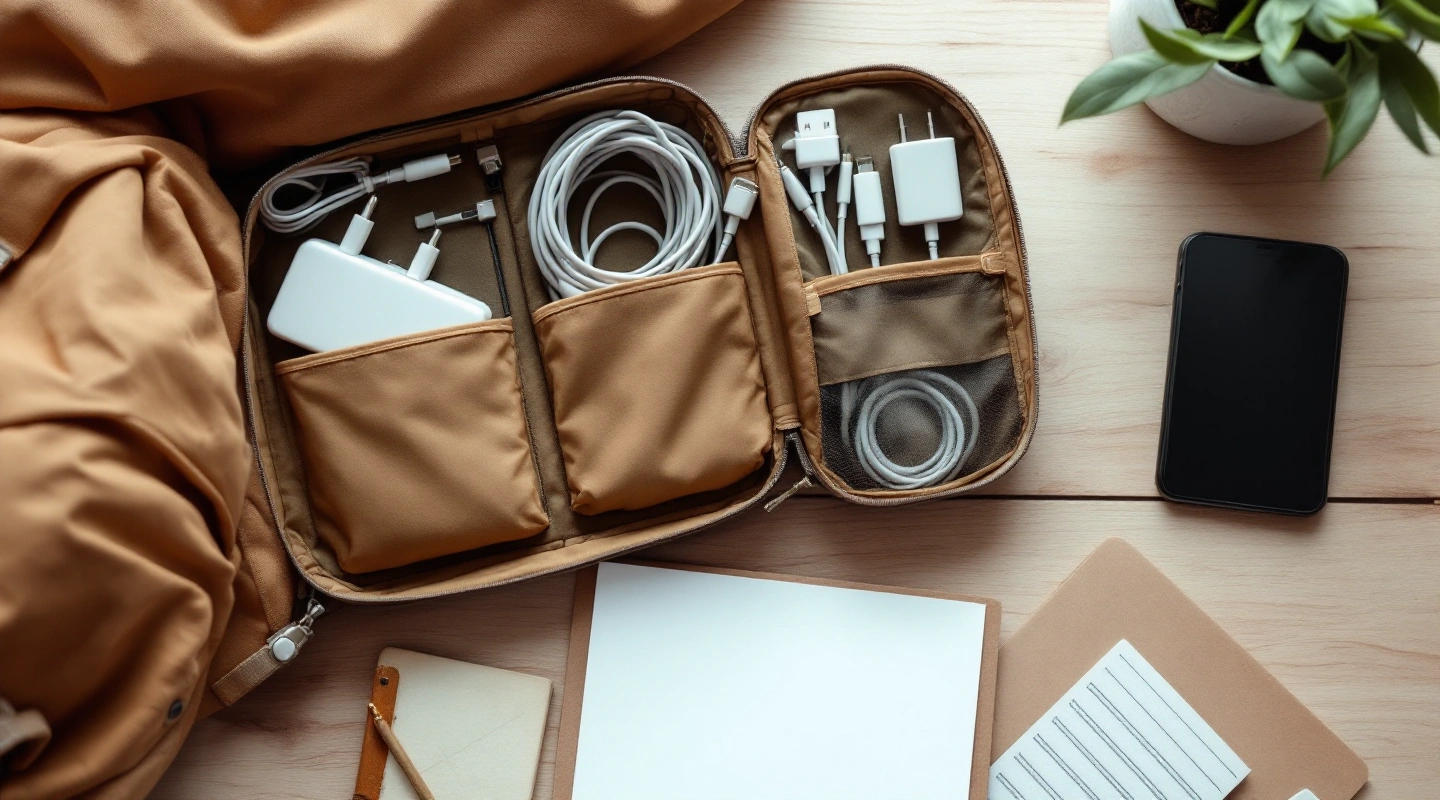
2 picks
3 Travel Tech Organizers by Packing Style in 2026
Compare three travel tech organizers by opening layout, pockets and outer dimensions. Measure your chargers and keep battery rules separate from pouch features.